Nonogram Solver enumerates line patterns
For every row and column, the tool builds all black-and-white arrangements that satisfy that line's clues and fit the selected grid length.
Free Online Nonogram Solver
Enter the row and column number clues for a black-and-white logic grid, then let the Nonogram Solver combine line enumeration, constraint propagation, and backtracking search to find the filled answer locally.
Logic Puzzles Free Browser-based
Choose a common size, paste one clue line per row and column, then solve. Use spaces or commas between numbers; use 0 for a fully blank line.
First version scope: manual clues only. This Nonogram Solver does not perform image recognition, screenshot parsing, or OCR.
The page keeps Nonogram Solver, Picross Solver, Griddlers Solver, and Japanese Crossword Solver intent together because the input and solving logic are the same.
Paste row clues and column clues exactly as the puzzle gives them. The Nonogram Solver accepts common sizes such as 5×5, 10×10, 15×15, and 20×20 without needing image uploads.
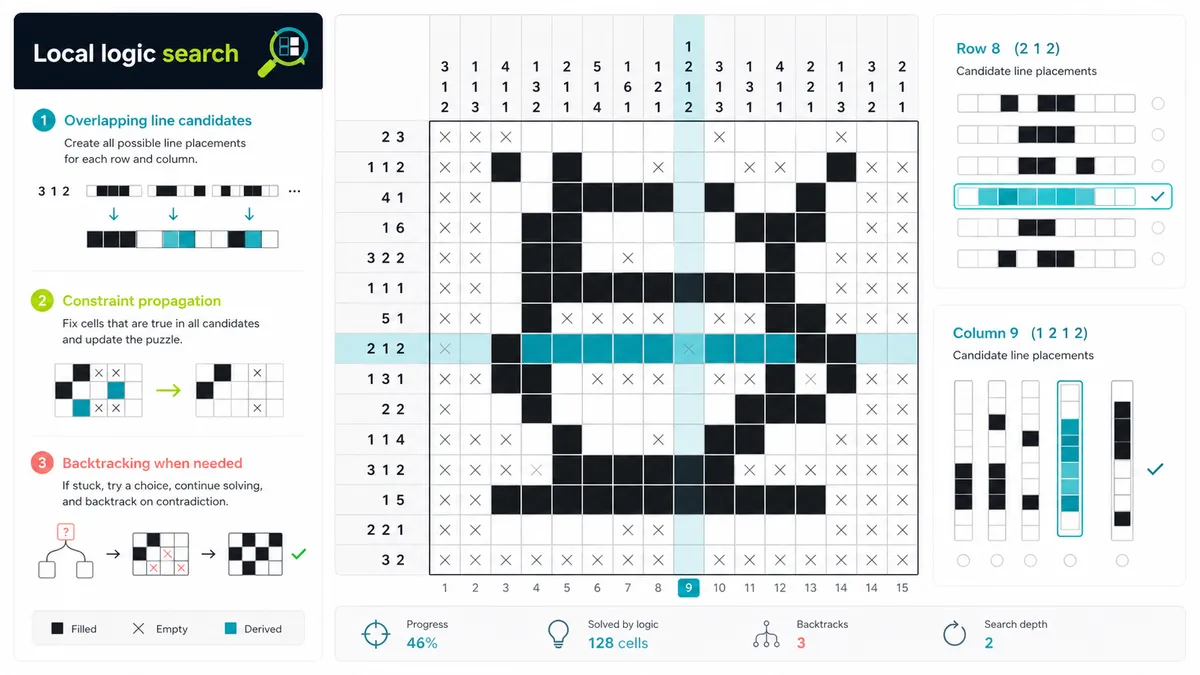
The solver enumerates possible patterns for each row and column, removes candidates that conflict, and only uses backtracking when pure propagation cannot finish the grid.
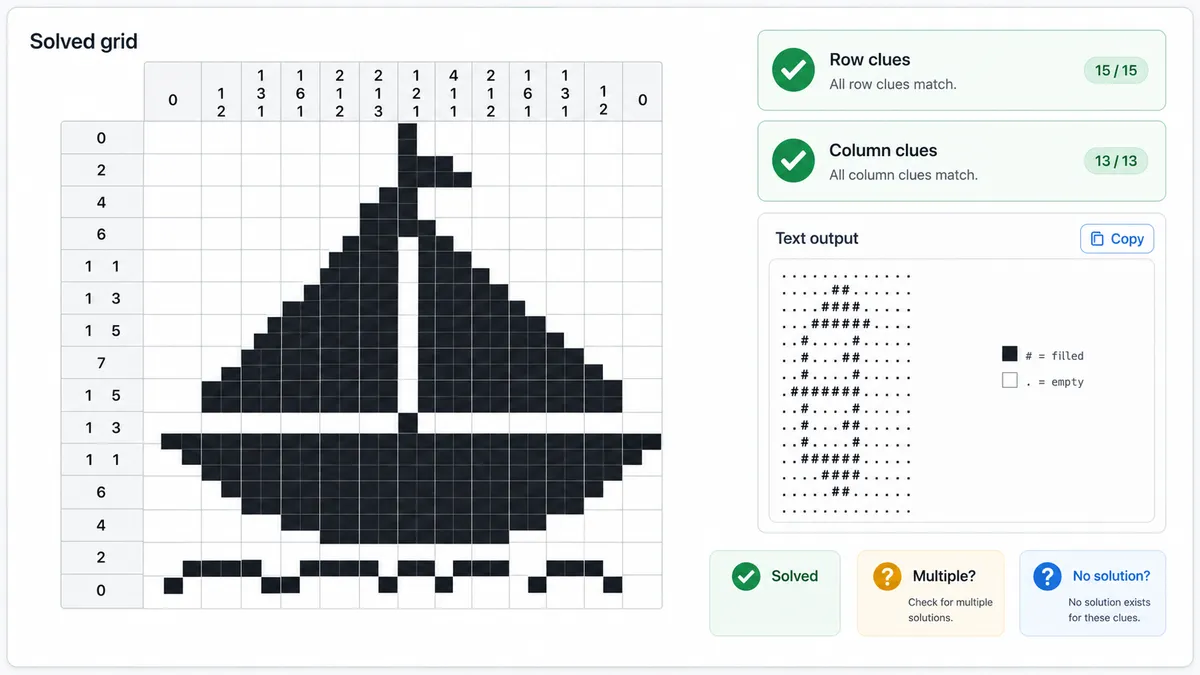
After solving, the result area shows the filled black-and-white grid, row and column clue validation, no-solution or multiple-solution warnings, and a copyable text answer.
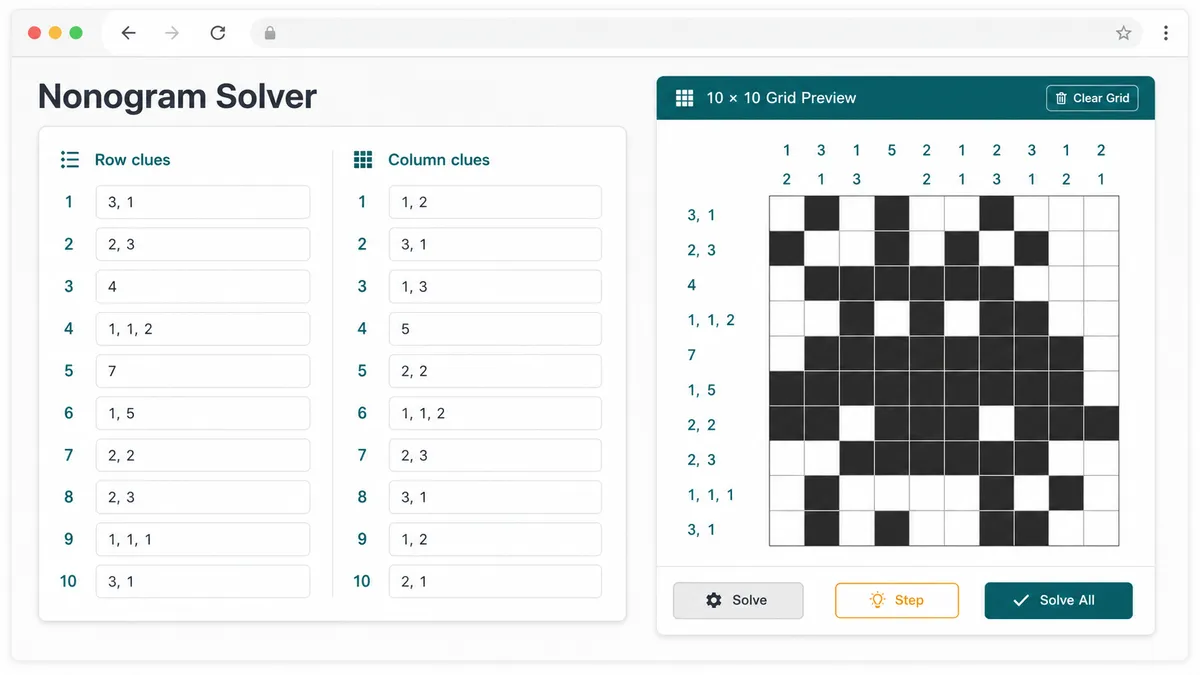
This Nonogram Solver uses a practical browser-side algorithm for black-and-white Picross, Griddlers, and Japanese crossword puzzles.
For every row and column, the tool builds all black-and-white arrangements that satisfy that line's clues and fit the selected grid length.
As soon as a cell is forced by all remaining row or column candidates, the solver fixes it and filters the crossing line candidates again.
If logic alone stalls, the solver branches on the most constrained line and searches until it proves no solution, one solution, or at least two valid solutions.
Use these tips to enter clues accurately and understand the first-version limits of the Nonogram Solver.
Each row clue and column clue gets its own line. A clue like 2 1 means two filled cells, at least one blank cell, then one filled cell.
Select the row and column count before solving. Common Picross and Griddlers sizes such as 5×5, 10×10, 15×15, and 20×20 are supported.
This first version is a pure front-end solver for manually typed clues. It intentionally does not read screenshots, photos, PDFs, or OCR output.
Manual entry keeps the tool fast, private, and reliable for the first release while avoiding the complexity of image recognition.
Common questions about solving Nonogram, Picross, Griddlers, and Japanese crossword puzzles from clues.
Yes. Nonogram, Picross, Griddlers, and Japanese crossword usually describe the same black-and-white clue-grid logic puzzle. This Nonogram Solver handles them together on one page instead of splitting them into separate tools.
Enter one clue line per puzzle row and one clue line per puzzle column. Separate numbers with spaces or commas, such as 3 1 or 3,1. Use 0 for a row or column with no filled cells.
Yes. If the row and column clues contradict each other, the Nonogram Solver reports that no solution exists and leaves the result area ready for corrections.
The solver searches for up to two valid grids. If it finds more than one solution, it shows one valid answer and warns that the clue set is not unique.
Yes. Turn on the step-by-step option before solving to record pattern counts, forced cells, branch choices, and final outcome. The trace is concise so it stays readable on mobile.
No. This first version does not do image recognition, screenshot parsing, or OCR. It only solves manually entered row and column clues locally in your browser.
No. After the page loads, the Nonogram Solver runs in browser JavaScript. Your clues are processed locally and are not sent to a database or third-party API.
SolverBox keeps puzzle solvers free, browser-based, and easy to use.
After this Nonogram Solver, browse the full tools page for number, word, game, and logic puzzle helpers.
No account required — solve directly in your browser.